Settings
This page provides detailed descriptions of all configuration options available in HTML2APK Packer.
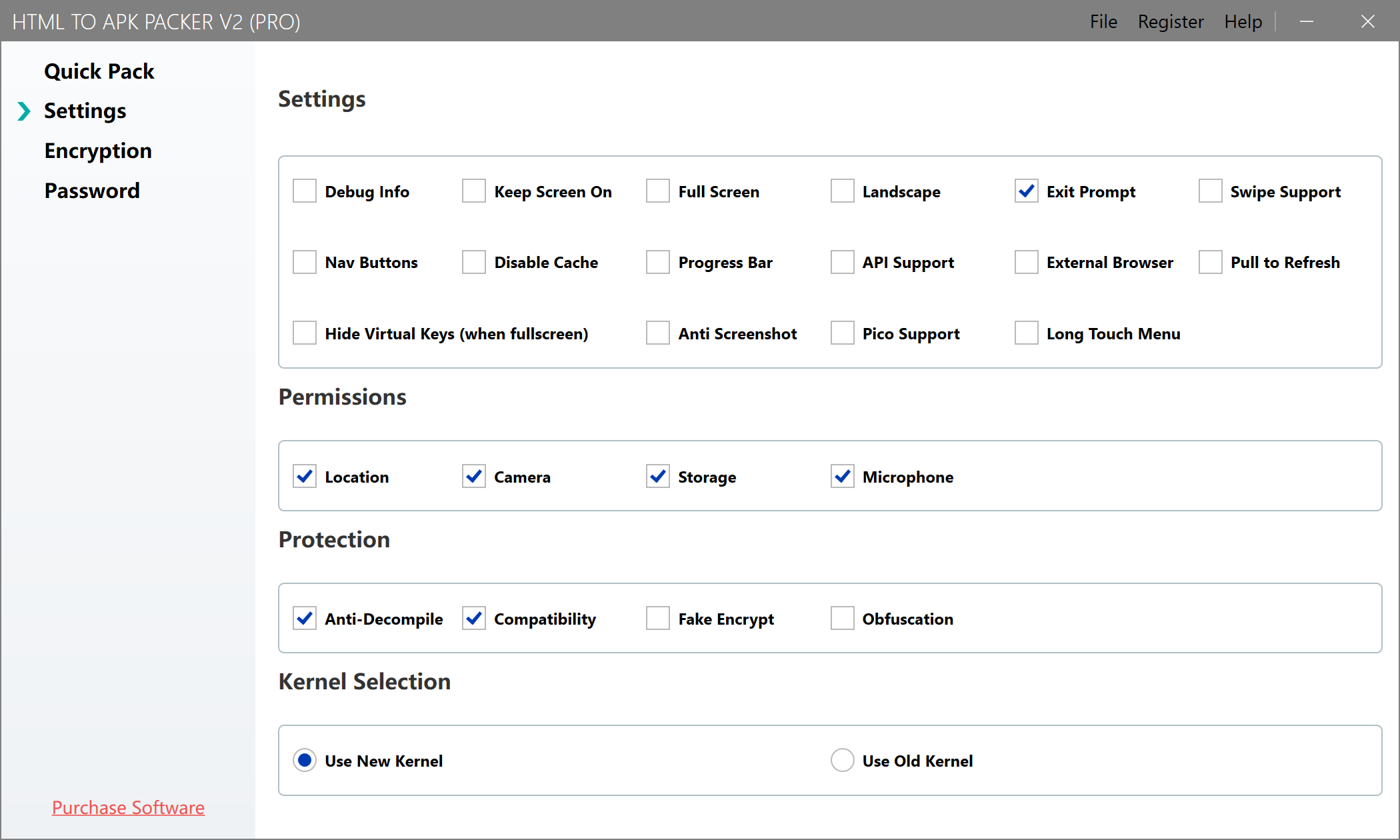
Basic Configuration
Show Title Bar
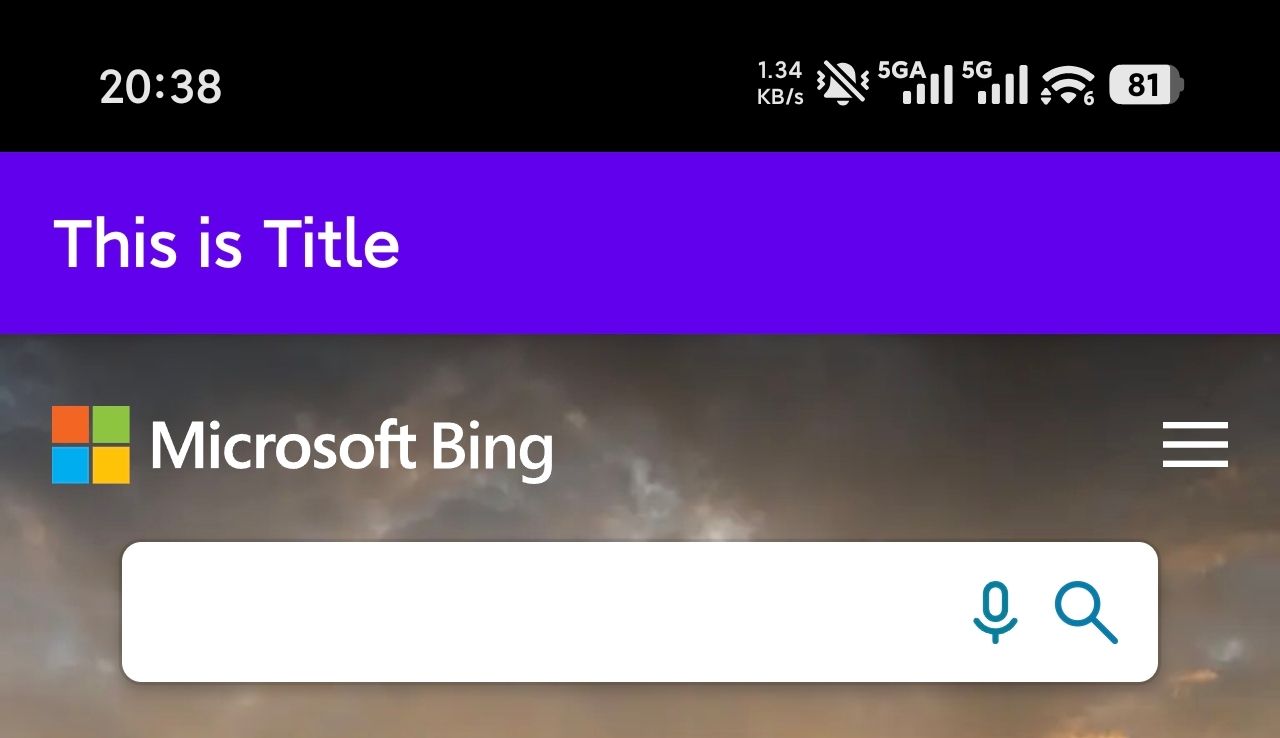
After enabling "Show Title", you can configure the APK's title bar. An app with the title bar displayed looks like this:
Debug Info
After enabling "Debug Info", debugging information will be displayed during APP operation, and a debug panel will appear on some supported web pages, which can be used to troubleshoot issues.
Fullscreen
After enabling fullscreen, the status bar will be hidden and the web page will be displayed in fullscreen.
Landscape
After enabling this option, the APP will display in landscape mode by default when opened.
Exit Prompt
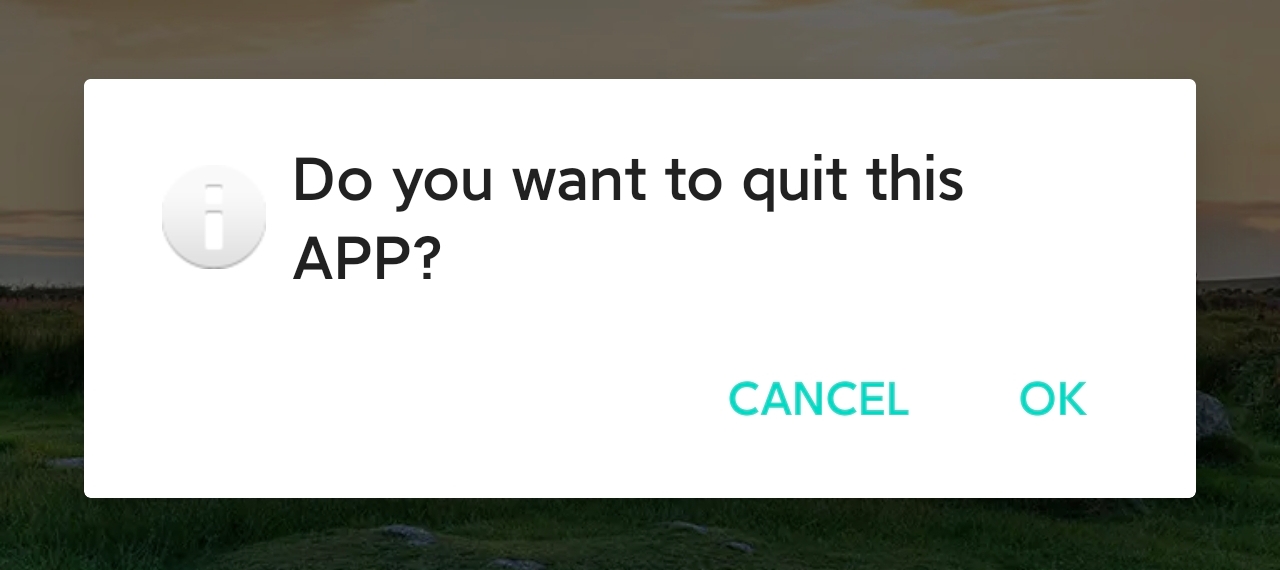
After enabling this option, a confirmation dialog will appear when the user presses the back button to exit the app, as shown below:
Progress Bar
After enabling this option, a loading progress bar will be displayed at the top when opening web pages.
Navigation Buttons
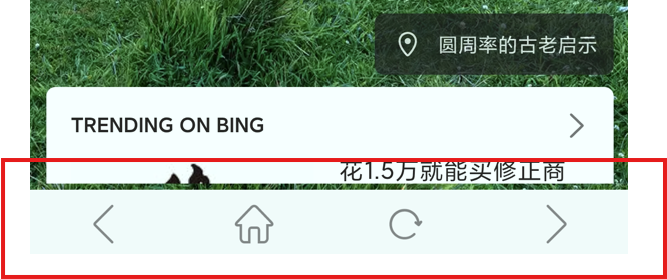
After enabling this option, a navigation bar will be added at the bottom of the APP, supporting forward, back, refresh, and home functions.
Advanced Configuration
Splash Screen
After enabling this option, you can select a local image as the splash screen. Recommended size is 720x1280.
The splash image will be cropped according to the system resolution, so it is recommended to place the main content in the center of the image to prevent it from being cropped.
Disable Cache
After enabling this option, the APK will no longer use cache and will load the latest web page each time it is opened. If the packaged website is updated frequently, it is recommended to enable this option.
Open External Links in Browser
If you packaged cn.bing.com, links other than Bing (*.bing.com) will be opened in the browser. If a local file is packaged, external links other than locally referenced files will be opened in the browser.
API Support
After enabling this option, you can call the following APIs via JavaScript:
- Quit APP: HTMLAPKPackerHelper.quitApp()
- Refresh current page: HTMLAPKPackerHelper.refreshPage()
Swipe Navigation
After enabling this option, you can swipe left or right to go back or forward to the next page. (If your web page has handwriting or drawing features, it is not recommended to enable this, as it may cause the page to navigate during handwriting.)
Disable Screenshot
After enabling this option, the system will be unable to take screenshots of the APP, protecting the internal content from being leaked.
Pico Device Adaptation
After enabling this option, the packaged APP will be adapted for fullscreen playback on Pico VR headset devices, allowing fullscreen VR interaction with the APP content.
Long Press Menu
After enabling this option, the packaged APP will support a context menu. Currently supported menu items include: Forward, Back, Refresh, Home, Download Image.
Permission Configuration
Location Permission
When enabled, you can obtain location information via JavaScript in the web page. If the web page does not have this feature, you don't need to enable it.
Camera Permission
When enabled, you can use the camera for photo capture and upload in the web page. If the web page does not have this feature, you don't need to enable it.
Storage Permission
When enabled, you can download files from the web page. If the web page does not have this feature, you don't need to enable it.
Recording Permission
When enabled, you can use the HTML5 recording feature.
Enhanced Features
Use New Kernel
When enabled, the new packaging kernel will be used, supporting the latest systems and more features. We recommend using this option. The old kernel will be deprecated in future versions.
Pull to Refresh
When enabled, the packaged web page can be refreshed by pulling down.
Hide Virtual Keys
This option only takes effect when fullscreen is also enabled. When enabled, virtual navigation keys will be hidden in fullscreen mode.
Anti-Decompilation
When enabled, the packaged APK cannot be decompiled (not supported on Android 5.1).
APK Pseudo-Encryption
When enabled, the APK file can be pseudo-encrypted to protect APK resource files (not supported on Android 5.1).
English Support
When enabled, interface prompts will use English (including exit prompt, password input screen, network error page).
Allow Obfuscation
When enabled, the packaged APK can be processed by the obfuscation tools
Improve Compatibility
When enabled, the packaged APK will be compatible with some older Android systems.