One-Device-One-Code Feature
HTML2APK Packer can package APK files with the one-device-one-code feature.
Feature Overview
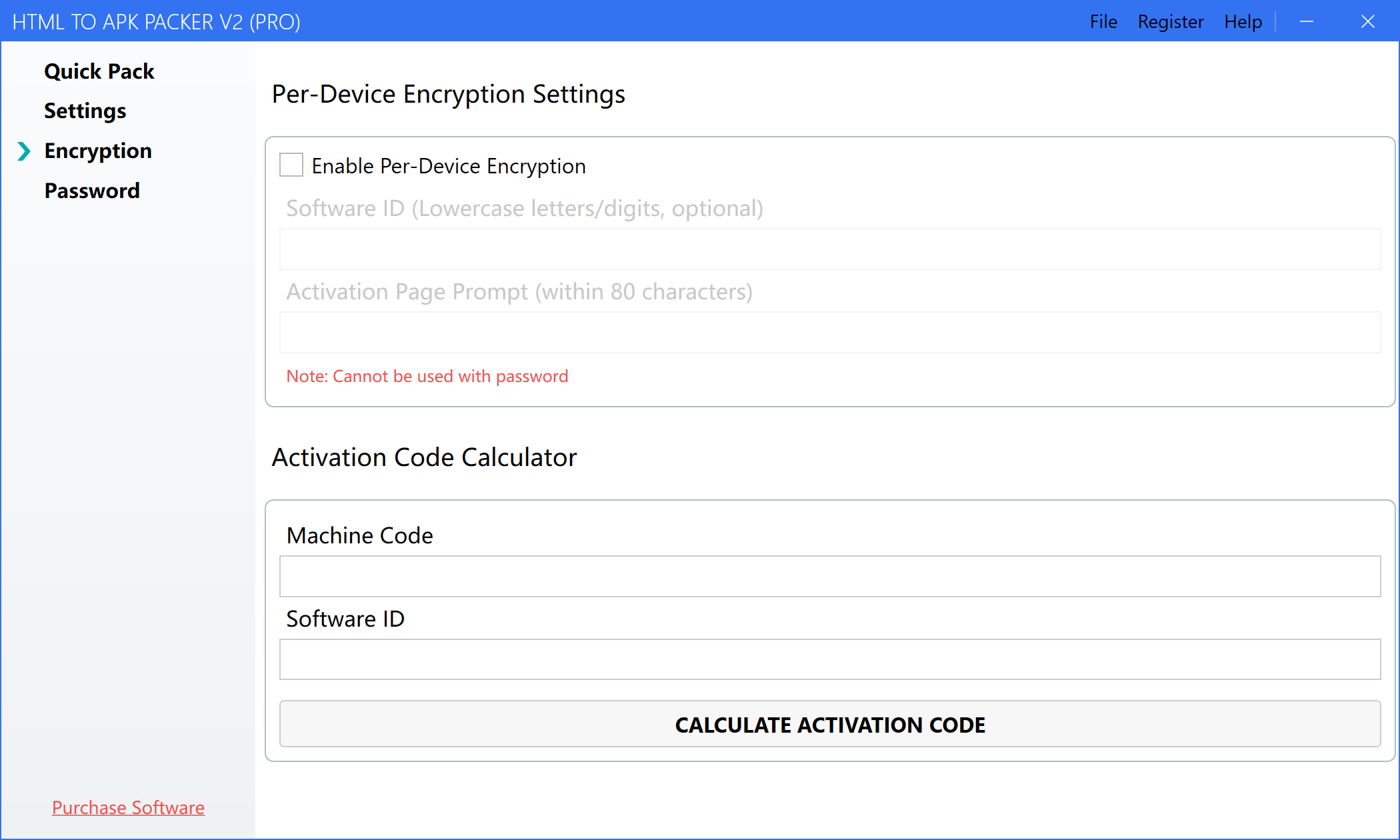
The one-device-one-code feature allows you to generate a unique identifier for each device that installs the APP. This is very useful for scenarios that require device identification or authorization.
Detailed Instructions
-
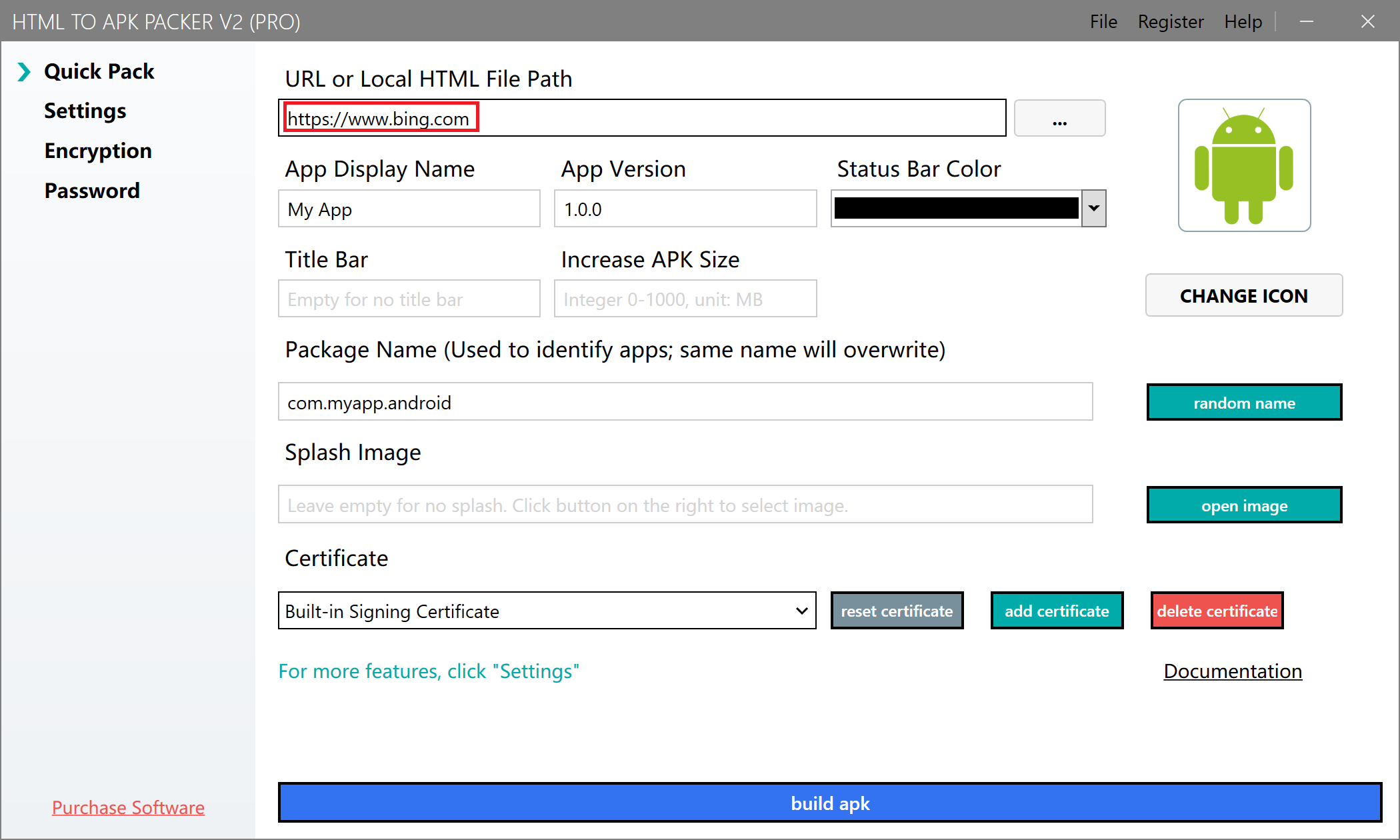
Open the software and wait for it to finish loading. Enter the URL to package or select a local HTML file.
-
Select "One-Device-One-Code Encryption" on the left side to enter the settings page.
-
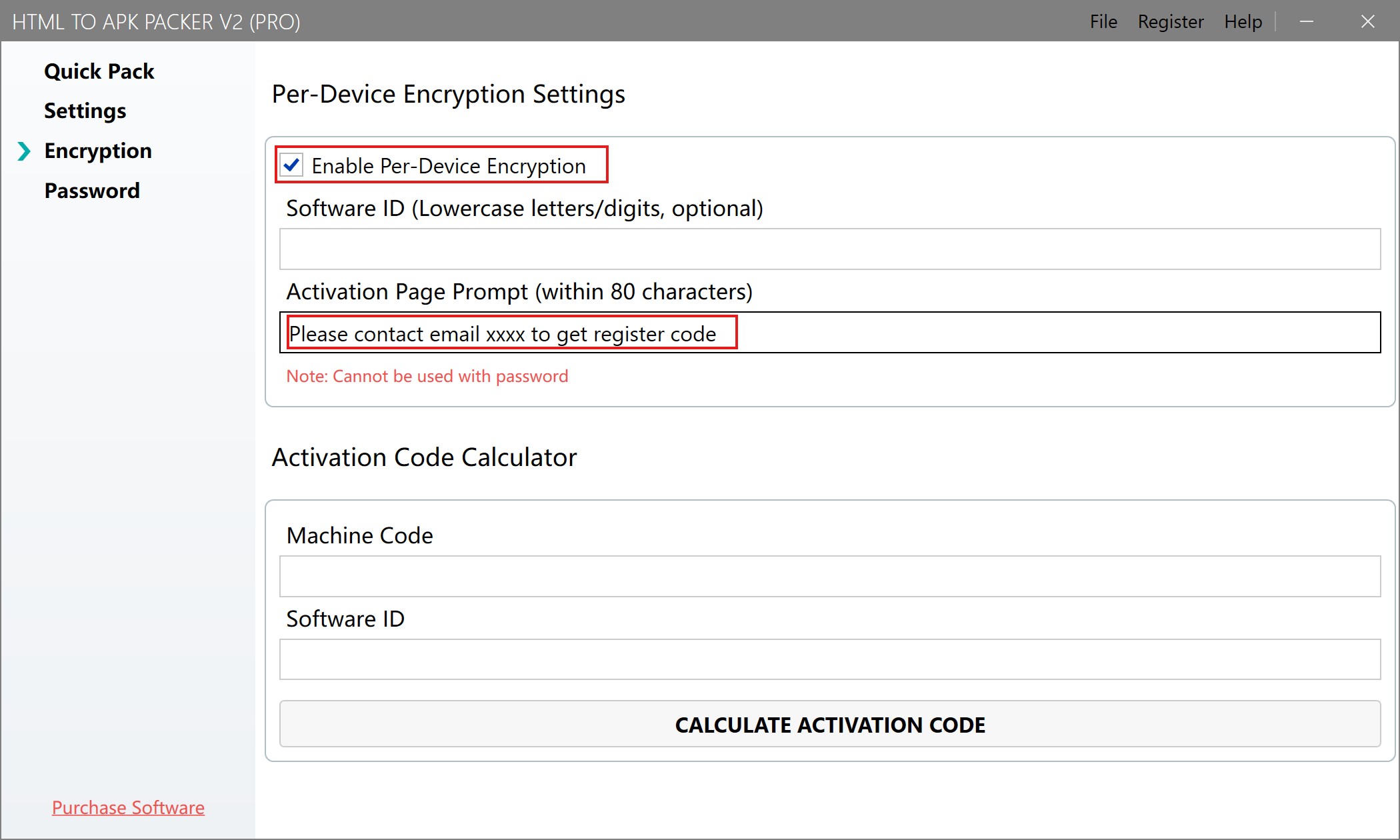
Check "Enable One-Device-One-Code Encryption" and set the activation page prompt message, as shown below:
-
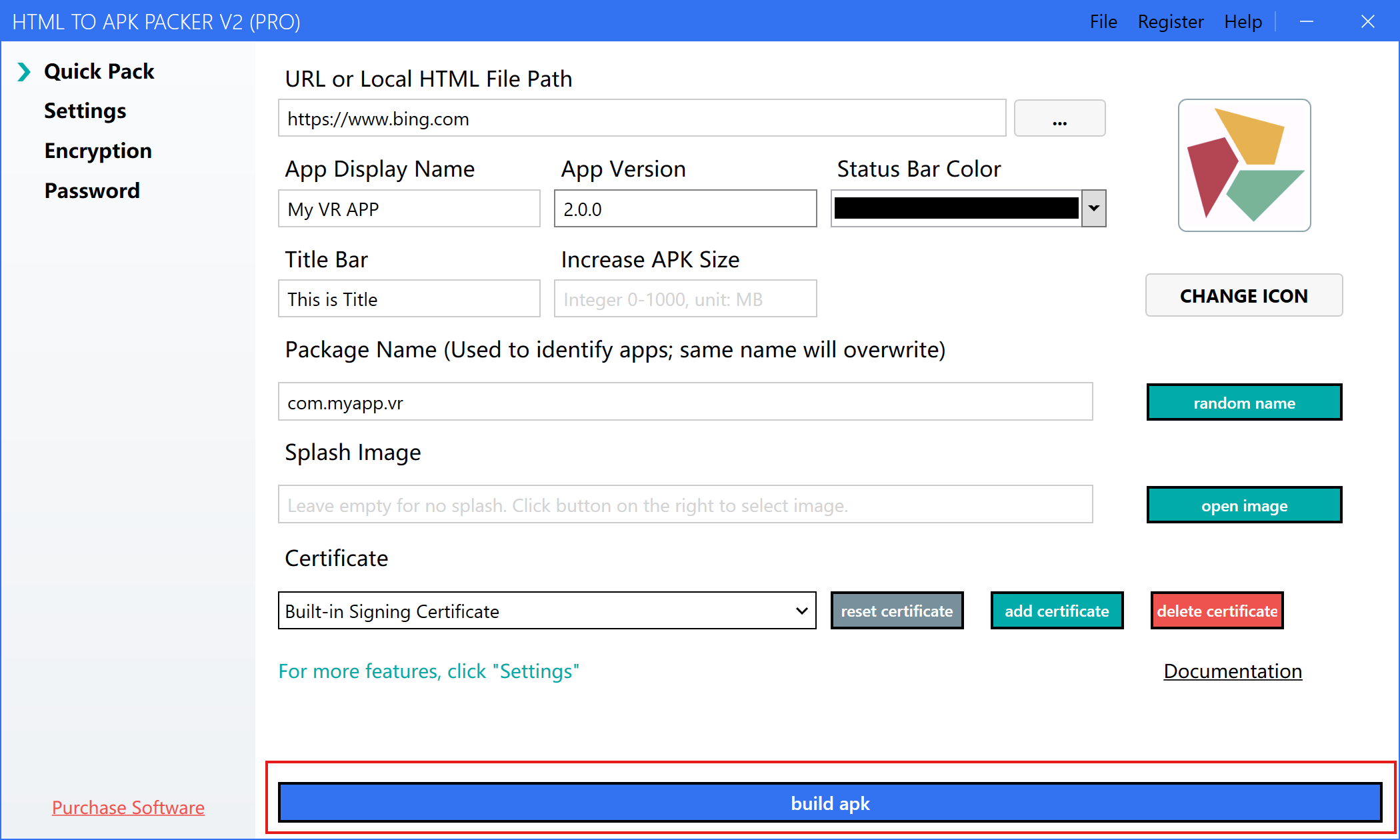
Return to the quick packaging page, complete the other settings, and click the "Build APK" button to generate an APK with the one-device-one-code feature.
Using an APK with One-Device-One-Code
-
After installing and launching the APK with the one-device-one-code feature, the interface will display the device's machine code.

-
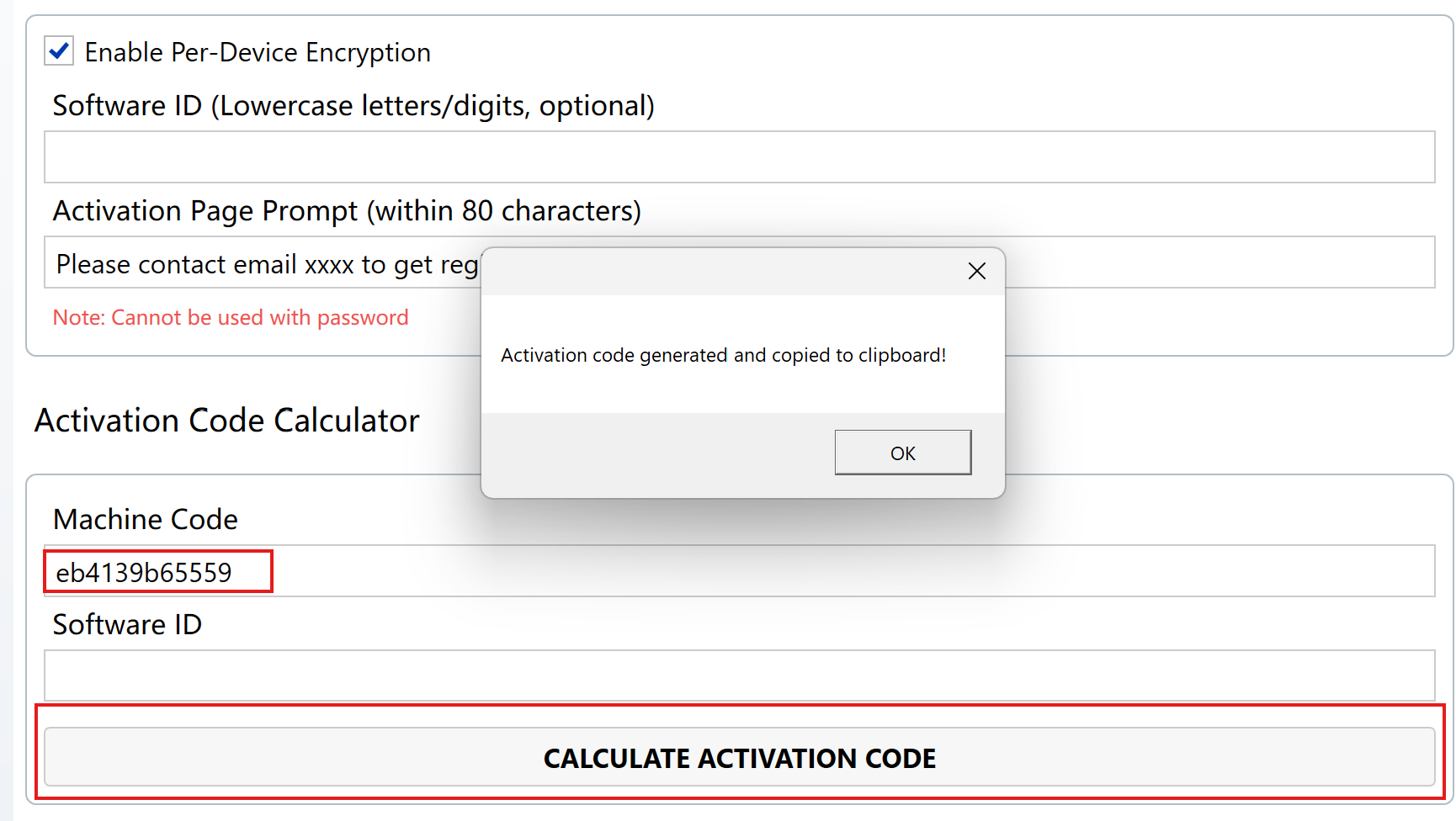
Copy the displayed machine code and enter it into the "One-Device-One-Code Encryption" page of the software, then click "Calculate Activation Code" to get the activation code.
-
Enter the activation code into the APK. Once activated, the same device only needs to be activated once.